

Countdown Widget
Track events with Google Sheets, offline cache, and flexible layouts.
Overview
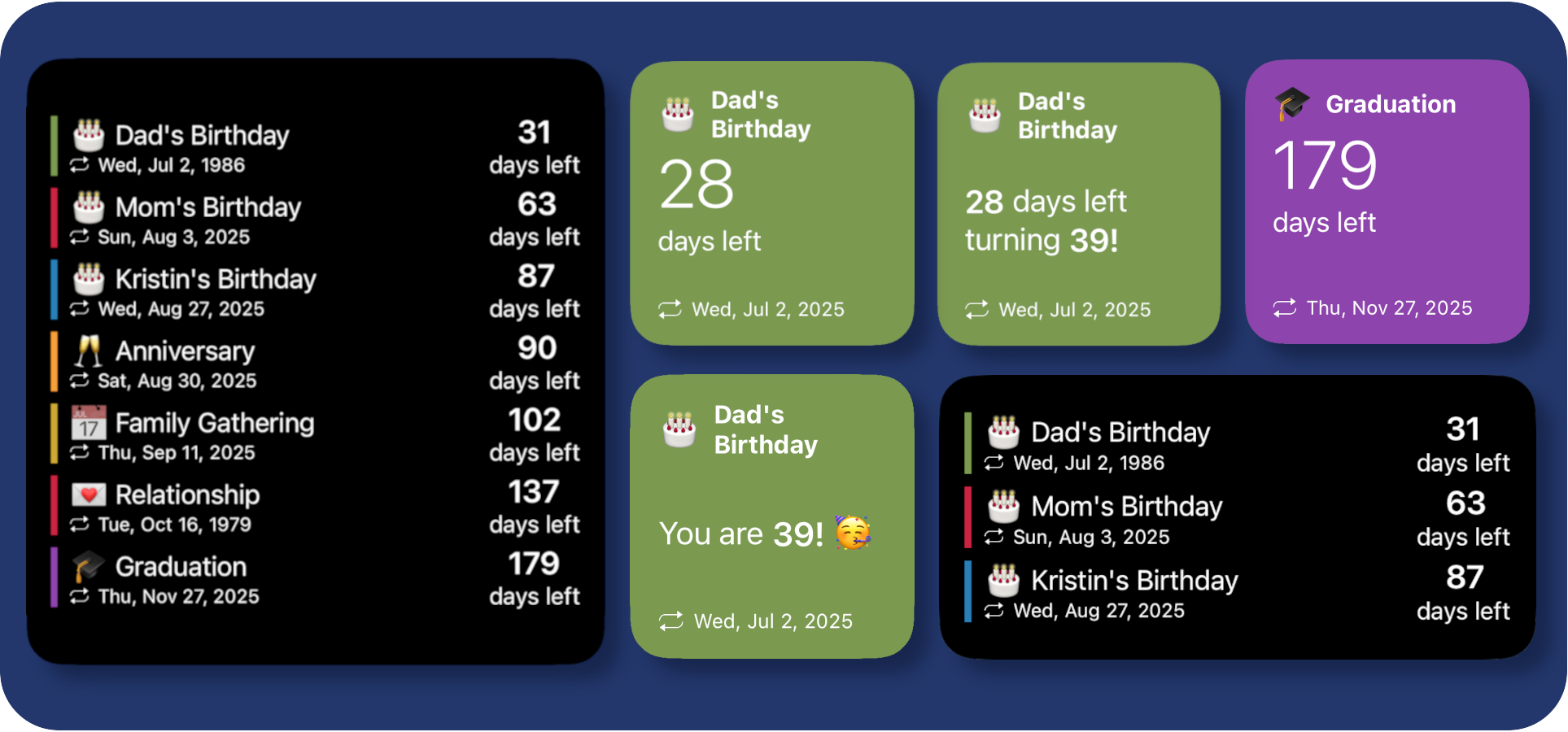
A multi-size countdown widget that reads events from a Google Sheet Web App. It supports list or grid layouts, age display, and offline caching.
Setup
- Create a Google Sheet with columns: name, date, icon, color.
- Publish the sheet via Apps Script as a Web App that returns JSON.
- Paste the Web App URL into SHEET_API_URL.
- Save the script and add a Scriptable widget.
Parameters
- age: show years since the event date.
- col: grid view for medium and large widgets.
- pg2, pg3: paginated views for list or grid layouts.
- name or index: show a specific event in small widgets.
Notes
Offline cache
The widget caches the last successful response in Scriptable. If the sheet is unreachable, it will fall back to cached data.