

Home
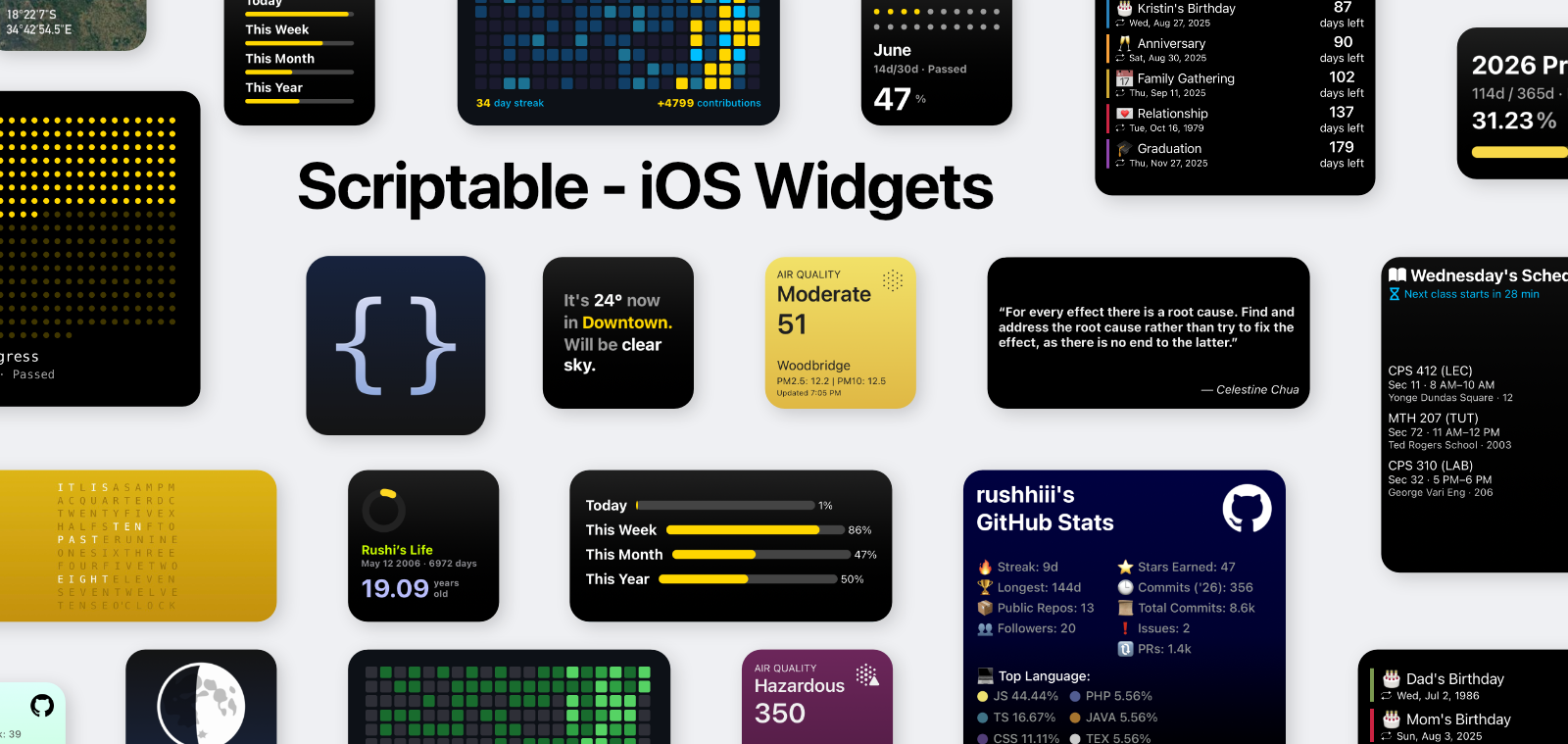
A GitBook-inspired landing page for Scriptable widget documentation.
Scriptable iOS Widgets
Documentation
A curated collection of Scriptable widgets, presented in a modern, GitBook-style layout. Pick a widget, follow a clean setup flow, and keep your home screen dialed in.
Explore widgets | Installation
Updated Feature
Sidebar navigation now includes improved active-link highlighting, nested rail alignment, and cleaner dropdown behavior.
Get started
Jump right in
Everything you need to install Scriptable, configure widgets, and personalize your layout.
- Quickstart - Install Scriptable + first widget: Start in minutes with a clean setup flow and checklists.
- Widget Library - All widgets, sizes, and sources: Browse every widget with parameters, data sources, and tips.
- Usage Patterns - Parameters, updates, troubleshooting: Learn the standard config style used across all widgets.
Designed for growth
Documentation that scales with the collection
Reusable sections, consistent setup flows, and modular widgets make it easy to expand the docs as new scripts ship.
Consistent setup blocks
Every widget page follows the same structure so users can scan, install, and tweak fast.
Data source clarity
Each widget calls out APIs, sheets, or tokens so future updates stay documented.
Built for multiple sizes
Docs describe size behavior, layouts, and parameters across small, medium, and large widgets.
Reusable components
Cards, callouts, and section blocks keep the UI consistent as the library grows.
Featured widgets
Start with the essentials
These are the most popular widgets to get your home screen feeling alive.
- Dynamic Weather - OpenWeather, auto location
- AQI + Temperature - Air quality with smart themes
- Countdown - Events, sheets, offline cache
- GitHub Stats - Themes, heatmap, offline
Latest updates
Keep your setup current
Follow updates as new widgets drop or existing ones get refreshed.
- Changelog - Recent releases and revisions: Track what changed and when to refresh your scripts.
- Contributing - Add new widgets or improve docs: Ship improvements with consistent structure and visuals.
Need help?
If a widget fails to load, run the script directly in Scriptable first. Most issues come from missing API keys, incorrect sheet URLs, or location permissions.